
Missed Hours & Billing Errors
Manual entry can leave small tasks, adjusted hours, or activity details out of the invoice entirely.
Invoicing Integrations
Billing should start from the work your team already tracked — not from a spreadsheet rebuilt at month-end. Tolmete connects delivery logs, Activity Types, and billing periods to Zoho Books or QuickBooks, so agencies create clean, verifiable client invoices without re-entering hours by hand.
The Problem
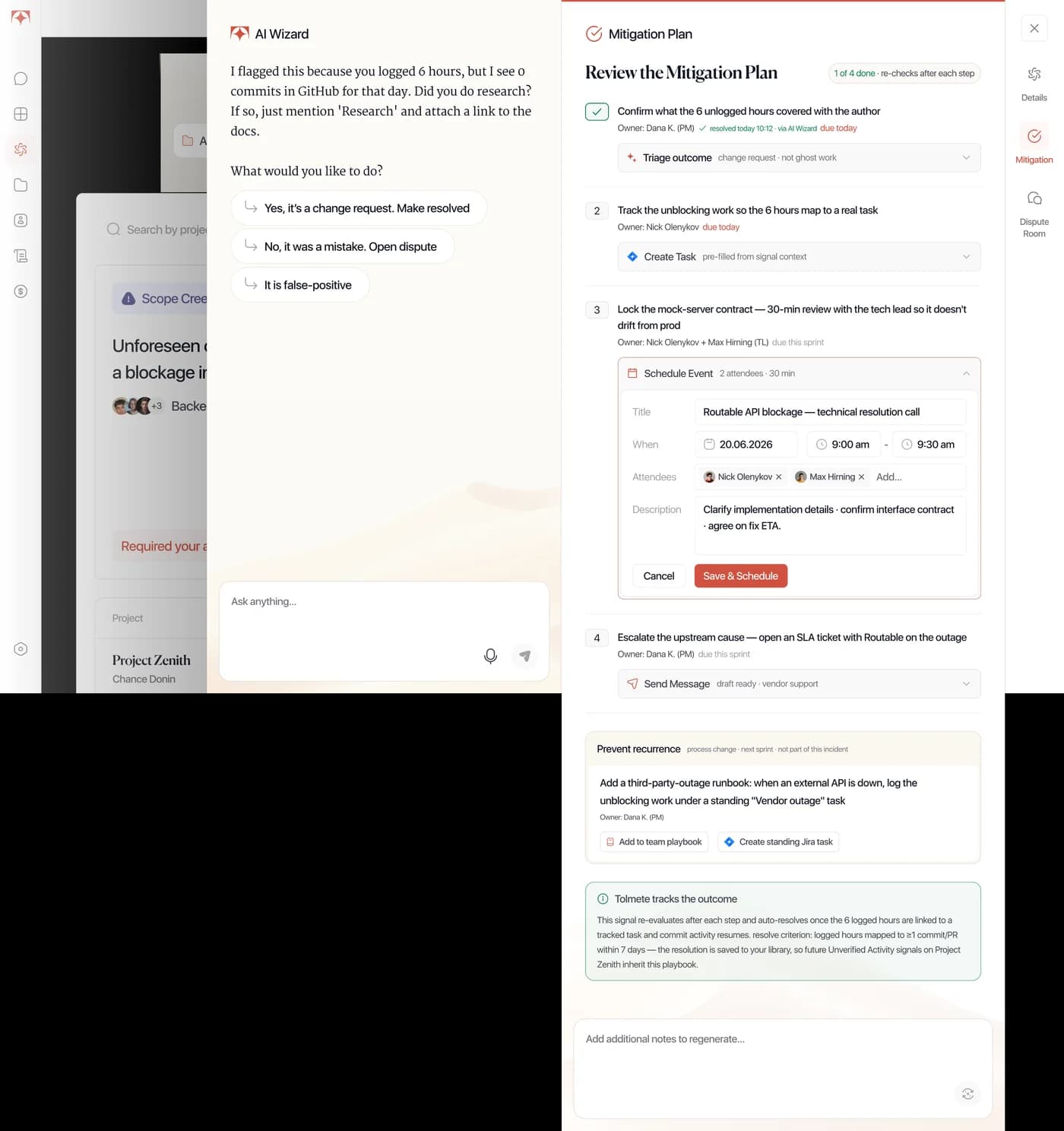
Agency billing often breaks at the handoff between delivery and finance. The work is already tracked, but the invoice still depends on someone translating time logs into billable services, line items, totals, and client-facing records.
That handoff becomes expensive when it repeats across clients, projects, and billing periods. Tolmete connects delivery logs to time tracking and invoicing, providing billing workflow automation for agencies that want fewer manual checks, cleaner invoices, and a more direct path from logged work to billing.
Manual entry can leave small tasks, adjusted hours, or activity details out of the invoice entirely.
When delivery logs and invoice records live in separate workflows, teams spend extra time proving billed work matches delivered work.
Before billing can move forward, teams spend extra time collecting logs, mapping activities, and preparing line items.
Manual entry can leave small tasks, adjusted hours, or activity details out of the invoice entirely.
When delivery logs and invoice records live in separate workflows, teams spend extra time proving billed work matches delivered work.
Before billing can move forward, teams spend extra time collecting logs, mapping activities, and preparing line items.
Tolmete prepares time logs for client billing, carrying project context, Activity Types, contributors, and hours into the invoicing flow without manual exports, spreadsheet cleanup, or repeated formatting.
Tolmete removes that handoff with a built-in invoice builder that works directly from project time logs. Teams can move from logged work to a sent invoice without exports or reformatting.
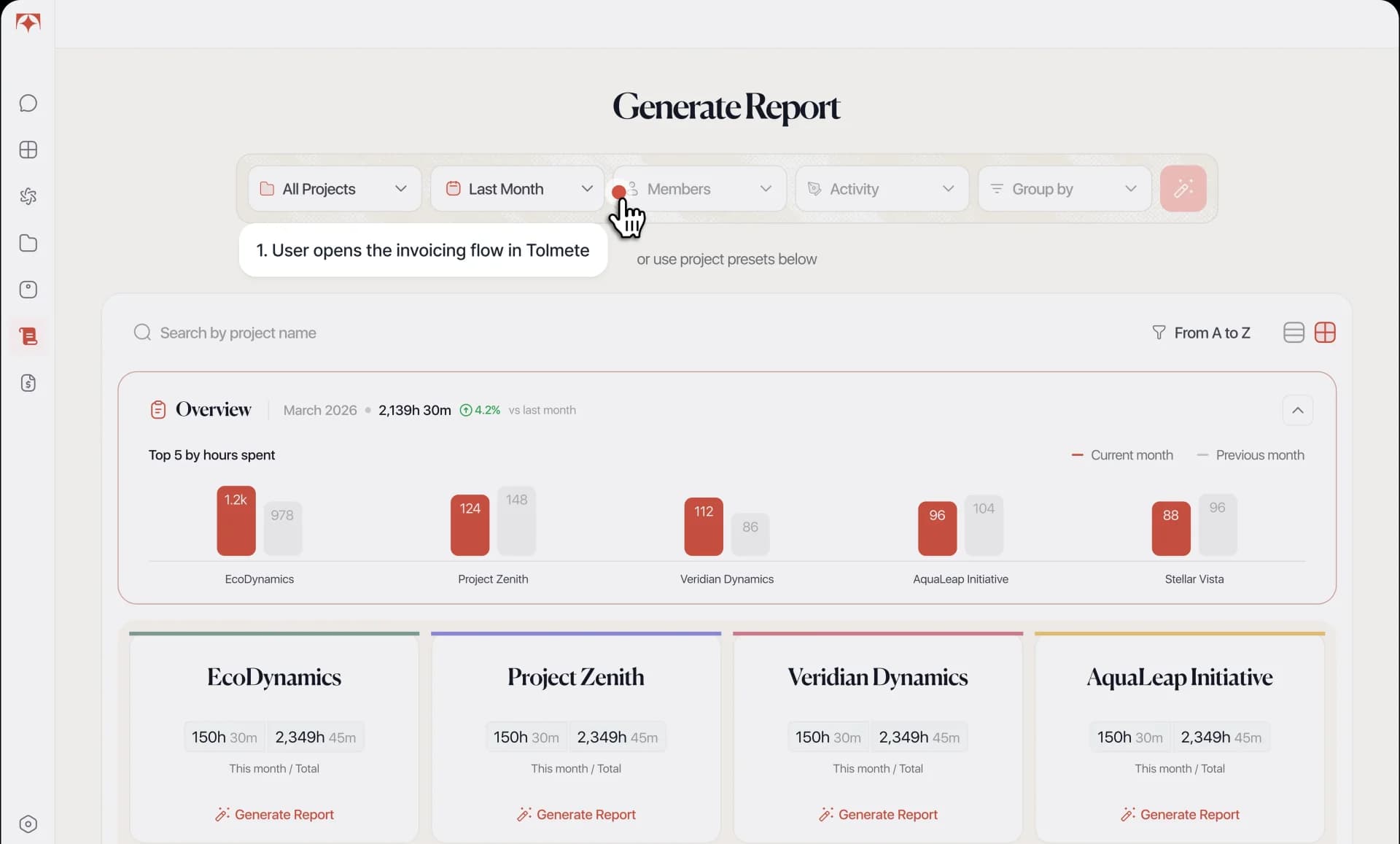
See How Hours Become Invoices Inside Tolmete
Watch the invoice builder pull project hours, group them by activity, and generate a client-ready PDF, without a single export or spreadsheet.
How It Works
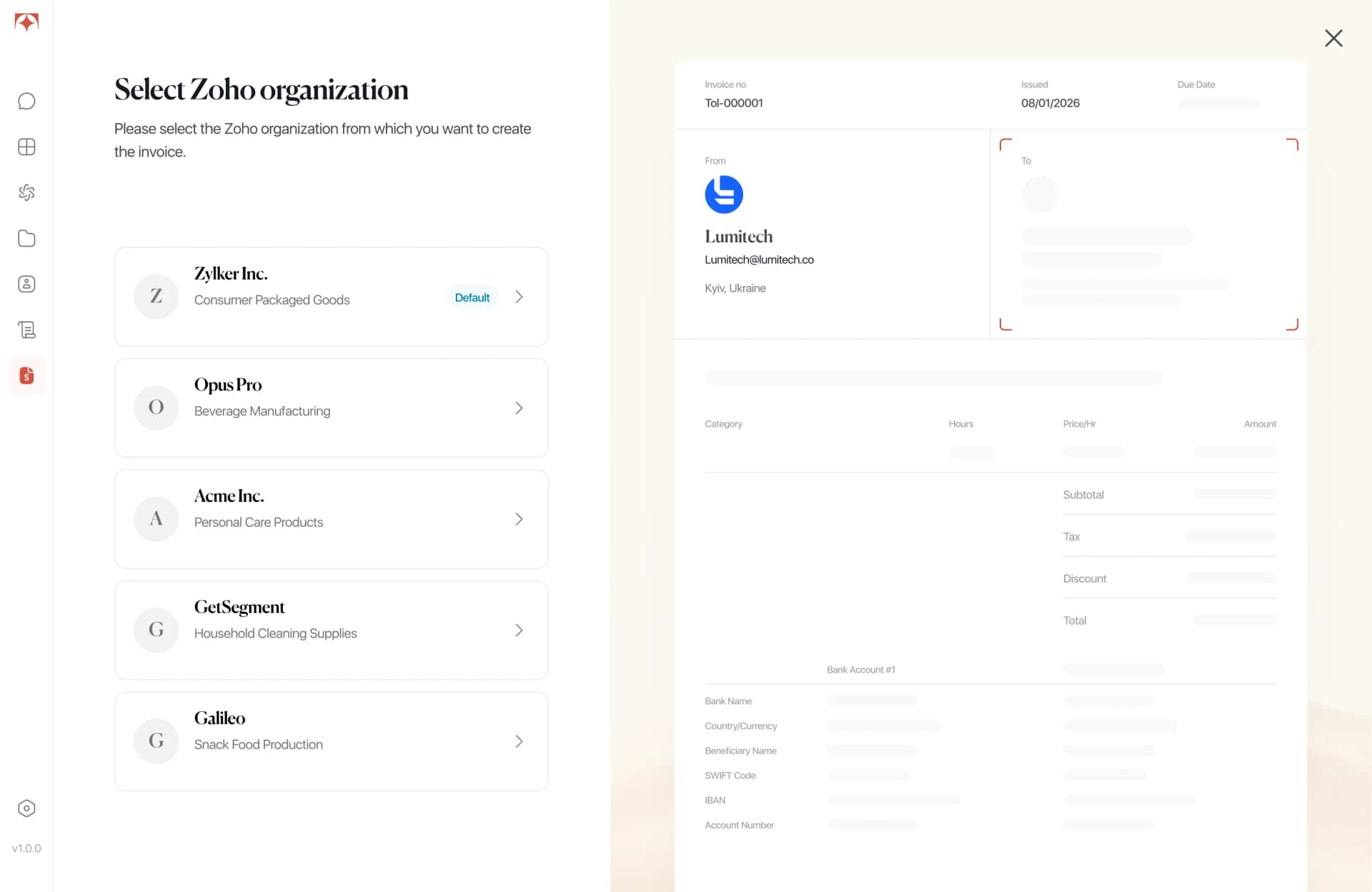
Tolmete links logged work to invoice creation through a time tracking billing integration. Agencies keep the billing system they already use, while Tolmete prepares structured time logs for invoicing and review.

Key Capabilities
Tolmete prepares structured time logs for invoicing. Billing from time logs lets teams create invoice-ready data without exporting, reformatting, or rebuilding hours before issuing an invoice.
Delivery logs from Tolmete serve as the source for invoice data — without exporting or reformatting spreadsheets.
Built-in AI models interpret internal delivery categories and align them with official billing services defined in your accounting setup.
Filter and aggregate tracked hours to generate invoices by project, client, or custom billing period in seconds.
Direct sync with Zoho Books and QuickBooks keeps client records, payment histories, and invoices inside your core financial stack.
What The Integration Makes Possible
Tolmete handles the invoicing system integration between structured delivery logs and the billing records finance teams already manage. Delivery data becomes invoice data, so teams reduce manual billing work, avoid double entry, prevent mismatched totals, and maintain a clearer connection between what was delivered and what was billed.
Time logged in Tolmete becomes invoice-ready entries, cutting duplicate work between tools.
Invoice data comes from delivery logs, so teams can verify totals before sending.
Pre-structured data helps finance teams prepare invoices faster after a sprint closes.
Time tracking and invoicing use the same delivery data, so clients see a clearer breakdown of delivered work, contributors, and time periods.
Existing System, Connected to Delivery
Tolmete does not replace Zoho Books or QuickBooks. It handles the invoicing system integration between structured delivery logs and invoice-ready data, so finance teams can keep managing records, history, and payments where they already do.
01/09
The Old Way

The Automated Way
Most billing tools wait for data to arrive. Tolmete connects it the moment work is logged.
Create Invoices From Logged WorkWithout Rebuilding Data
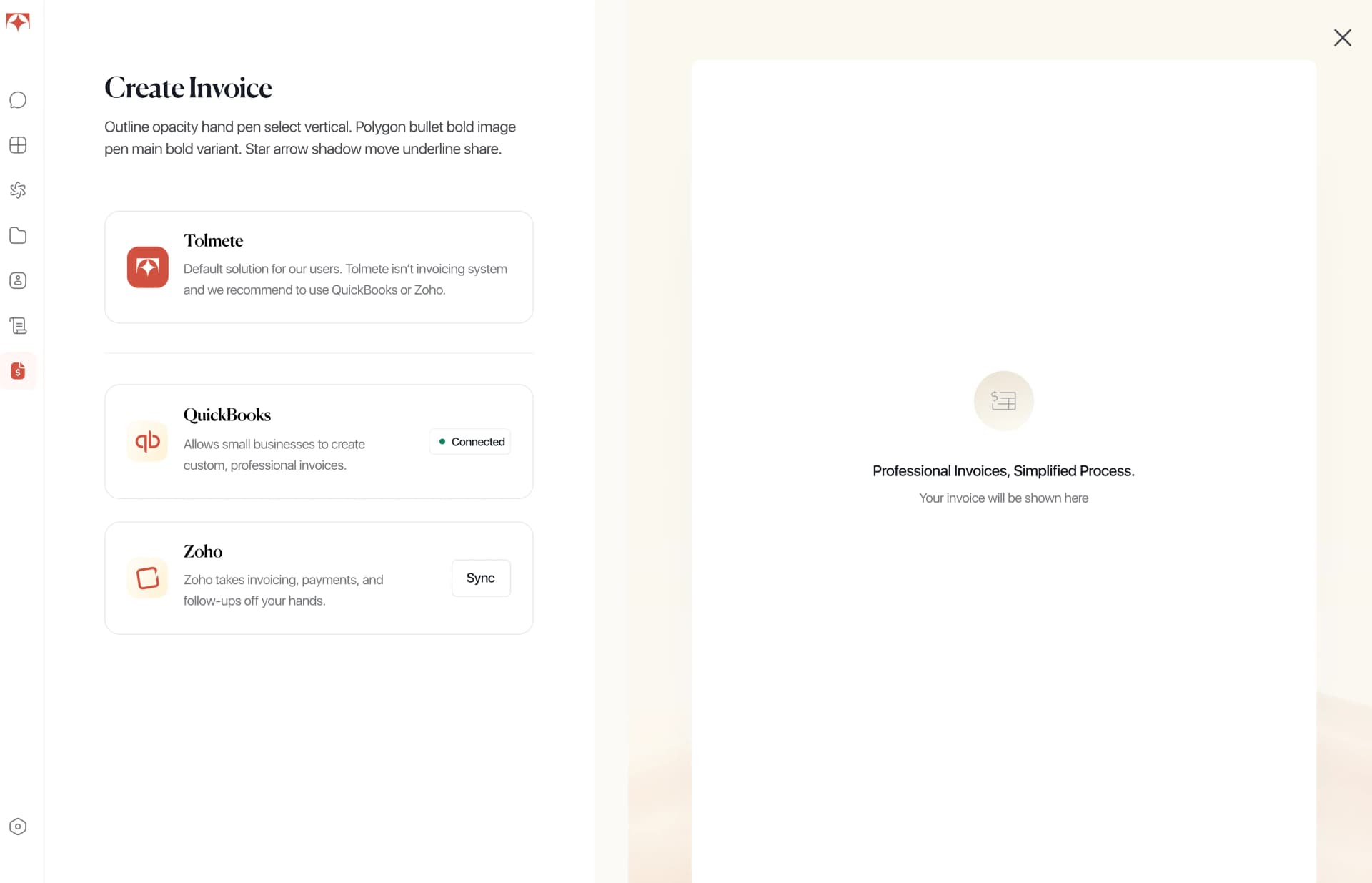
Tolmete helps agencies detect risks, understand root causes, and generate precise mitigation plans that specify what to do, who should own it, and when action is needed.
FAQ
Everything you need to know about Tolmete.