
End of month, no clear "where did time go?"
Sound familiar? At the end of the month, the client asks "Where exactly did those extra 60 hours go?" — and you have to reconstruct the answer from tickets, commits, and scattered comments.
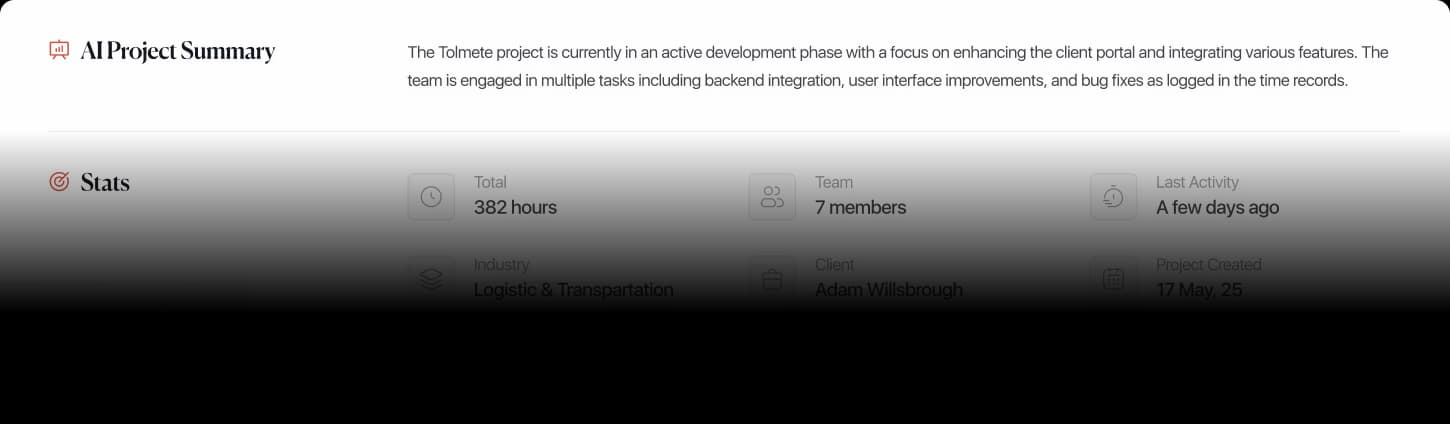
AI Project Summary
Tolmete turns scattered updates into a clear, operational project summary you can actually use. It reads the real work happening in your tools, structures what matters, and surfaces progress, bottlenecks, and next-step insights in seconds.
Welcome back
Please, generate a summary for the Northwind project this quarter.
Here’s your summary for Northwind Redesign for last month
Northwind had a strong delivery month, focused on the new checkout experience and the customer dashboard. Both went out to production on schedule.
The team of five logged 620 hours, with roughly three quarters of it going into build and design work and the rest into testing, coordination and client communication.
The project looks healthy — the one thing worth watching is how much time is going into unplanned fixes.
What got done
Launched the new checkout flow — redesigned, built, tested and released to production.
Shipped the customer dashboard, including the reporting screens clients had been asking for.
Cut page load times roughly in half through backend and performance work.
Built out the shared design system, so future screens come together faster.
Cleared the open bug backlog ahead of the release.
Where the time went
Northwind
Total Logged Time: 620h
Maya R.
Built the new checkout flow end to end, including payment handling and error states.
84hImproved load times, cleaned up slow queries, hardened the release process.
46hProduction fixes, code reviews and support requests not tied to a specific workstream.
38hDaniel K.
Built the dashboard screens, filters and reporting views.
71hCreated reusable components the rest of the team now builds on.
48hResponsive fixes, accessibility improvements and review feedback.
33hSofia L.
Designed and iterated the checkout screens, including edge cases and mobile.
62hDesigned the dashboard layout, empty states and report views.
45hDesign reviews, feedback rounds and developer handoff.
33hWorth a look
No single point of failure. The heaviest contributor holds 27% of project time — work is spread across the team rather than resting on one person.
About 10% of hours aren’t clearly attributed. Two people logged a meaningful share of time without linking it to a specific workstream, which makes that work hard to bill or report on.
Design and build are moving in step. Design time tracks the same two workstreams the engineers shipped — no work was designed and then left unbuilt.
Coordination stays lean. Planning, reporting and client communication account for 10% of the month, in line with a healthy delivery project.
Every summary is generated from your team’s own time logs — no extra forms, no status meetings, no one chasing people for updates.
Make a request…
The Problem
Most leaders still have to assemble the truth about a project by hand. You scroll through daily updates, Slack threads, tickets, and notes, trying to understand what really moved and where the risk is hiding.
The AI project summary in Tolmete removes this grind. It turns fragmented activity into one structured, readable view, so you see the story of the project instead of chasing pieces of it.
Sound familiar? At the end of the month, the client asks "Where exactly did those extra 60 hours go?" — and you have to reconstruct the answer from tickets, commits, and scattered comments.
Your team generates plenty of activity: status updates, ticket comments, and time logs. But there is still no single place that gives a trustworthy, high-level picture of project health and emerging risks.
Or how about trying to figure out what your team is actually working on right now — without micromanaging, tapping developers on the shoulder, or asking for yet another status update message.
Tolmete reads team inputs and activity across the project, then composes an operational project summary for you. It identifies key workstreams, major changes, and early friction points, and presents them in a format that is easy to scan and act on.
This view is not only for PMs. It is equally useful for CEOs, Product Owners, and delivery leads who need a quick, reliable project overview automation instead of a deep dive into raw data.
See how Tolmete helps teams move work forward without switching tools
How It Works
Tolmete turns your existing delivery signals into an AI-powered project summary, without changing how your team works.
01/04
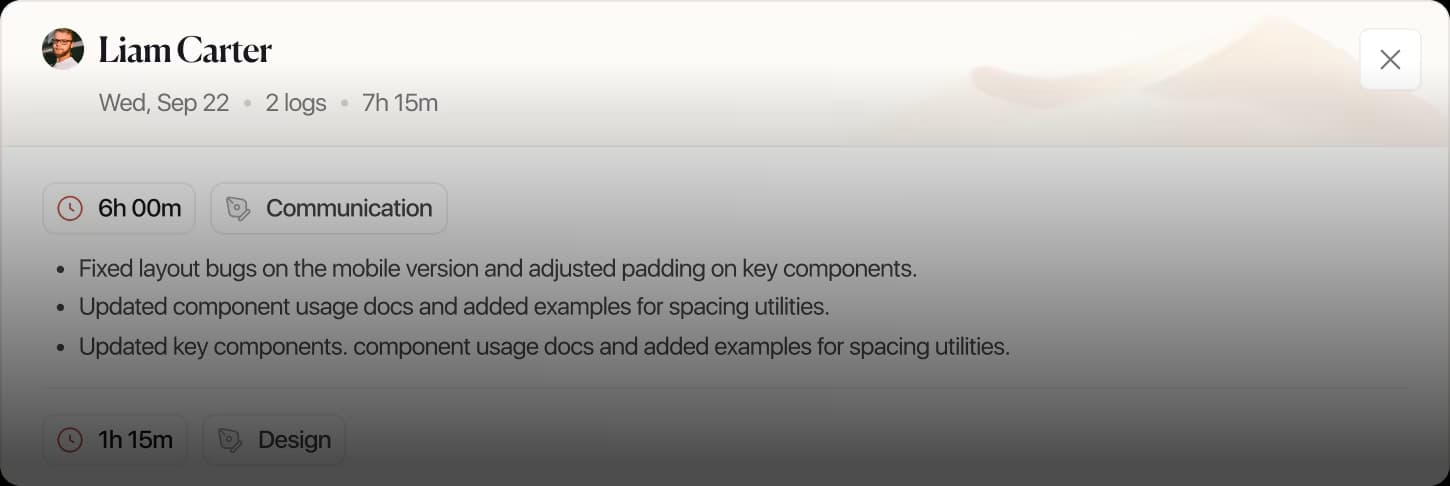
Your team continues to log time, move tickets, push commits, and run meetings as usual. Tolmete collects the relevant signals from these tools and builds a unified picture of what is happening over time.
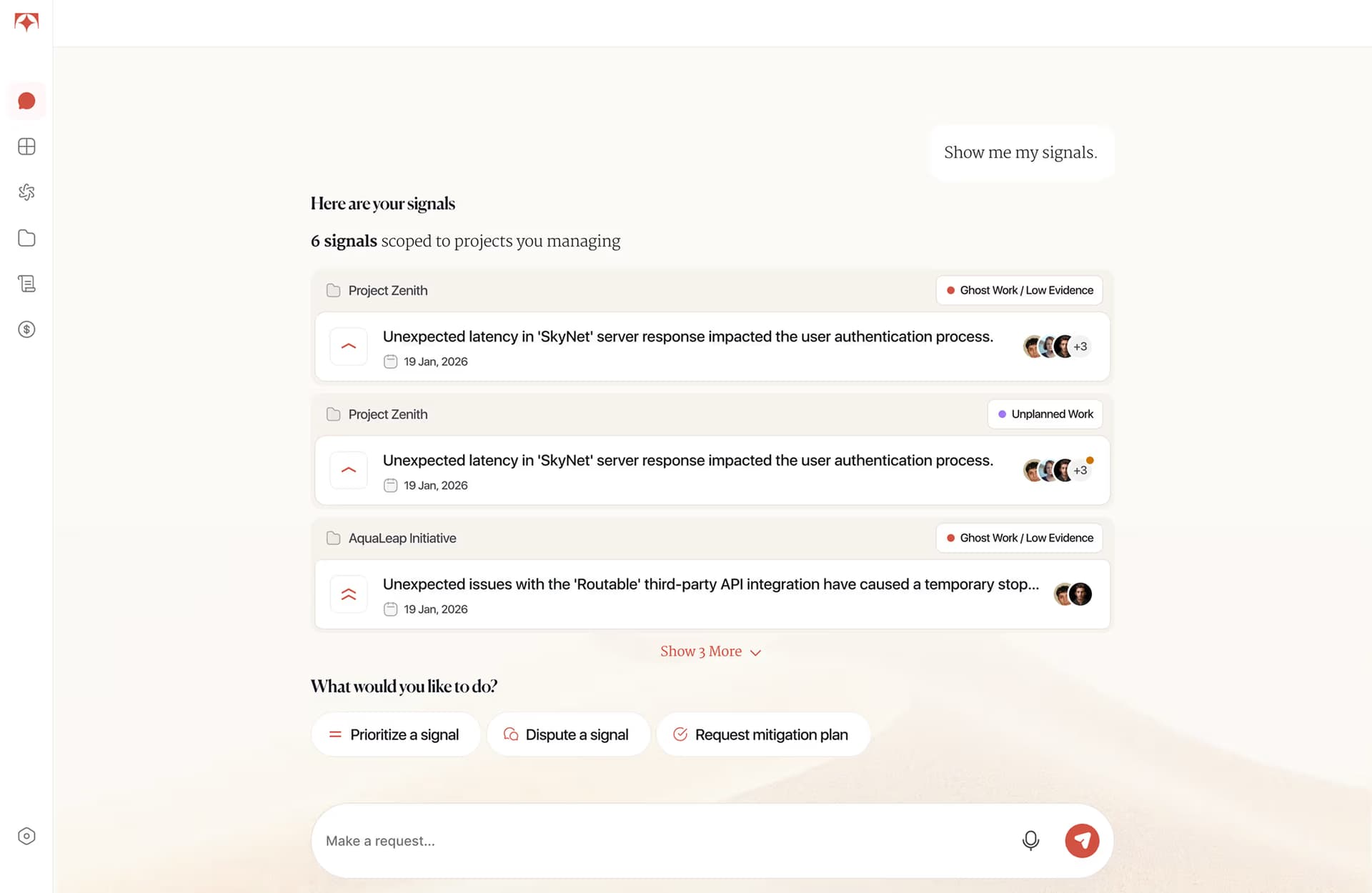
AI Project Summary is not just a compressed report; it is a decision-support layer. It helps you understand what is happening in a project without manually reading every update.
Tolmete does more than aggregate activity. This AI-powered project summary highlights major progress, emerging problems, bottlenecks, and suggested next steps, so you see both story and risk in one place.
Example Prompt:
“Summarize what happened on the project this week.”
Instead of scanning dashboards, tickets, and threads, you get a concise overview that you can read in a minute and share with stakeholders as your project progress summary.
Bottleneck Alerts
AI project summary is valuable because it shows what you would most likely miss in the noise. When project activity starts to show friction, slowdown, or execution risk, Tolmete brings those patterns to the surface.
Behind the scenes, the AI project report generator looks at timelines, rework, stagnation, and scope changes to power project bottleneck detection. You see where to lean in before the issue becomes visible in revenue.
See the main activities and workstreams that actually moved forward during the period, not just raw counts of tickets or hours.
Spot blockers, long-running tasks, or teams that are stuck. Tolmete points to areas where attention, scope clarification, or additional capacity is needed.
Understand where to focus next: which risks to address, what to escalate, and which conversations to have. AI project report output becomes a practical guide, not just a metric list.
Delivery Health
Tolmete helps project managers get to the real status faster, but the effect is wider than just time savings. Because updates are analyzed, structured, and prioritized automatically, everyone sees the same clear picture.
Less manual review and copy–paste reporting
Earlier detection of issues and risks
Stronger operational visibility for both leadership and teams
More confident decisions about scope, staffing, and timelines
Spend less time reading fragmented updates and more time acting on a clear, AI-powered view of the project.
Gain simpler visibility into what is moving, what is blocked, and how individual work connects to overall progress.
Improve control over execution and risk, using AI project summary to align scope, budget, and actual effort before problems escalate.
Discover how Tolmete’s AI project summary software gives you instant clarity on progress, bottlenecks, and risk — so you can steer delivery with less manual review and more confidence.
FAQ
Everything you need to know about Tolmete.